
Table of Contents
Okay so real talk, everyone’s throwing around the word “prompt engineering” like it’s rocket science, and honestly? It’s not. Most people just don’t know how to ask AI for what they want. You type “write me a resume” and get back something generic and sad. Then you wonder if AI is even that useful.
It is. You’re just prompting wrong. Let’s fix that.
This AI prompting guide for beginners is for actual beginners—no tech background needed, no “just fine-tune a model” nonsense. If you’re wondering how to write AI prompts that actually produce useful answers, you’re in the right place.
What Is an AI Prompt?
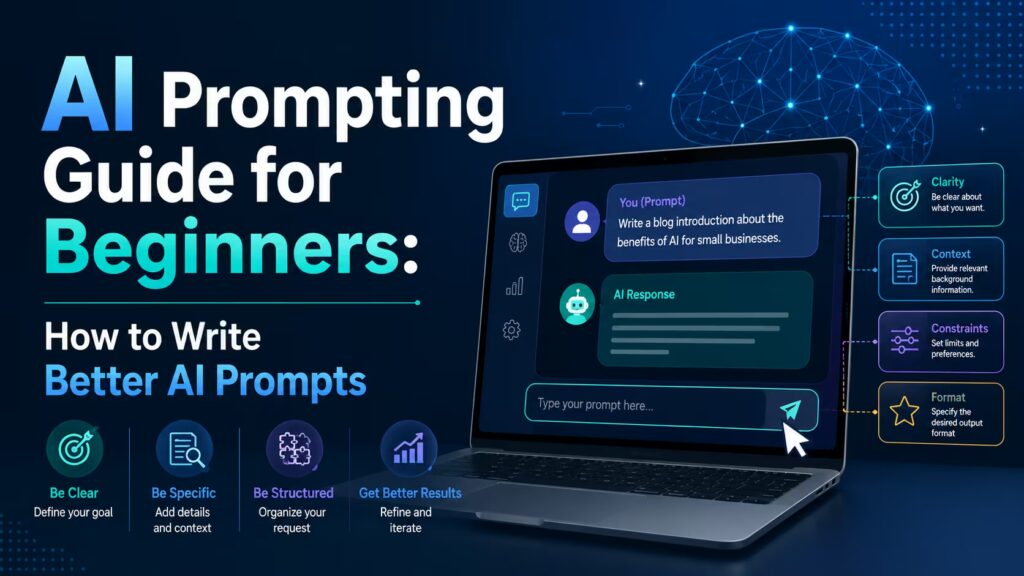
An AI prompt is simply the instruction you give an AI tool like ChatGPT, Gemini, or Claude. Learning to write clear AI prompts is the foundation of getting useful responses from any AI assistant.
Quick example:
- Bad prompt: “Write a marketing email”
- Better prompt: “Write a friendly, casual marketing email for a 20% off sale on running shoes, aimed at Gen Z customers, under 150 words, with a fun subject line”
See the difference? Same tool, wildly different result.
Why Most Beginners Get Bad Results
If you’re trying to figure out how to use ChatGPT effectively, the biggest improvement usually comes from learning how to write AI prompts. A small change in the way you ask your question can completely transform the quality of the response.
The most common beginner mistakes:
- Being too short and vague (“help me with my CV”)
- Not giving any context about who it’s for or why
- Forgetting to mention tone, length, or format
- Not asking follow-up questions to refine the answer
- Giving up after one bad response instead of just… asking again differently
Honestly, this is exactly the gap a lot of people run into when they start using AI tools at work, they try it once, get a meh answer, and assume AI “isn’t for them.” That’s usually what a proper hands-on session (like be10x’s AI Tools Workshop) fixes fast, watching someone actually prompt in real time makes it click way quicker than reading article after article.
The Simple Framework: R.T.F.
If you remember nothing else from this guide, remember this one framework. It’s stupidly simple and it works for almost everything.
R — Role: Tell the AI who it should act as
T — Task: Tell it exactly what you want done
F — Format: Tell it how you want the output to look
Example: “Act as a career coach (Role). Help me rewrite my LinkedIn summary to sound more confident (Task). Keep it under 100 words, in first person, no buzzwords (Format).”
That’s it. Three parts. This simple structure is one of the easiest AI prompting tips beginners can learn because it works for emails, presentations, study notes, coding, marketing, and almost every other task.
What is prompt engineering for beginners? Once you understand these basics, prompt engineering for beginners becomes less about memorizing tricks and more about communicating clearly with AI.
5 AI Prompting Tips for Beginners
The following AI prompt examples and techniques can immediately improve the quality of your responses, whether you’re using ChatGPT, Gemini, or Claude.
- Be specific about the audience. “Explain compound interest” vs “Explain compound interest to a 16-year-old who’s never touched a savings account” night and day difference.
- Give examples. If you want a certain style, paste one example and say “match this tone.”
- Ask it to think step by step. Adding “explain your reasoning step by step before giving the final answer” genuinely improves accuracy on anything logical or numerical.
- Set boundaries. Tell it what NOT to do “don’t use corporate jargon,” “don’t make it longer than 200 words,” “don’t add a conclusion paragraph.”
- Iterate, don’t restart. Instead of writing a brand new prompt when the output’s off, just reply “make it punchier” or “cut this in half.” AI tools remember the conversation.
Most people skip step 5 entirely, and it’s honestly the biggest unlock. You’re not supposed to get the perfect answer on try one you’re supposed to have a conversation.
Real-World Example: India Context
Say you’re a small business owner in Delhi running a local kurti brand on Instagram. Instead of prompting “write an Instagram caption,” try:
“Act as a social media copywriter for an Indian ethnic wear brand. Write 3 Instagram captions for a new kurti collection launching this festive season, casual and fun tone, including relevant emojis, each under 40 words, targeting women aged 22-35 in metro cities.”
That one prompt does more work than ten vague attempts. This is the exact shift a lot of working professionals go through in hands-on sessions like be10x live AI workshops they walk in prompting like it’s Google search and walk out prompting like they’re briefing a teammate.
Okay, So Where Do You Actually Start?
Reading guides like this one is a good first step. But prompting is a hands-on skill you get good at by doing it, messing it up, and adjusting. If you want a faster shortcut than trial-and-error, that’s exactly the gap be10x’s AI Tools Workshop is built for a few hours, live, where you watch real prompts happen and try it yourself instead of guessing alone. A lot of beginners say that one session saved them weeks of fumbling around.
Either way; open up ChatGPT right now, try the R.T.F. framework on something you actually need done today, and see the difference for yourself. That’s really the whole trick.
FAQs
Do I need to learn coding to write good prompts?
No. Prompting is just clear writing. If you can explain a task to a colleague, you can write a good prompt.
Which AI tool should beginners start with?
ChatGPT, Gemini, and Claude are all beginner-friendly. Pick whichever one you already have access to and just start experimenting, the prompting skills carry over between all of them.
How long does it take to get good at prompting?
Most people notice a real difference within a week of daily use. It’s a “learn by doing” skill, not a “read one article and you’re done” skill which is honestly why live, guided practice (like a short workshop) tends to speed things up a lot faster than solo trial and error.
Is prompt engineering still relevant in 2026?
Yes, if anything, it matters more now. As AI gets baked into everyday tools (search, email, docs), knowing how to direct it clearly is becoming as basic a skill as knowing how to use a spreadsheet.

